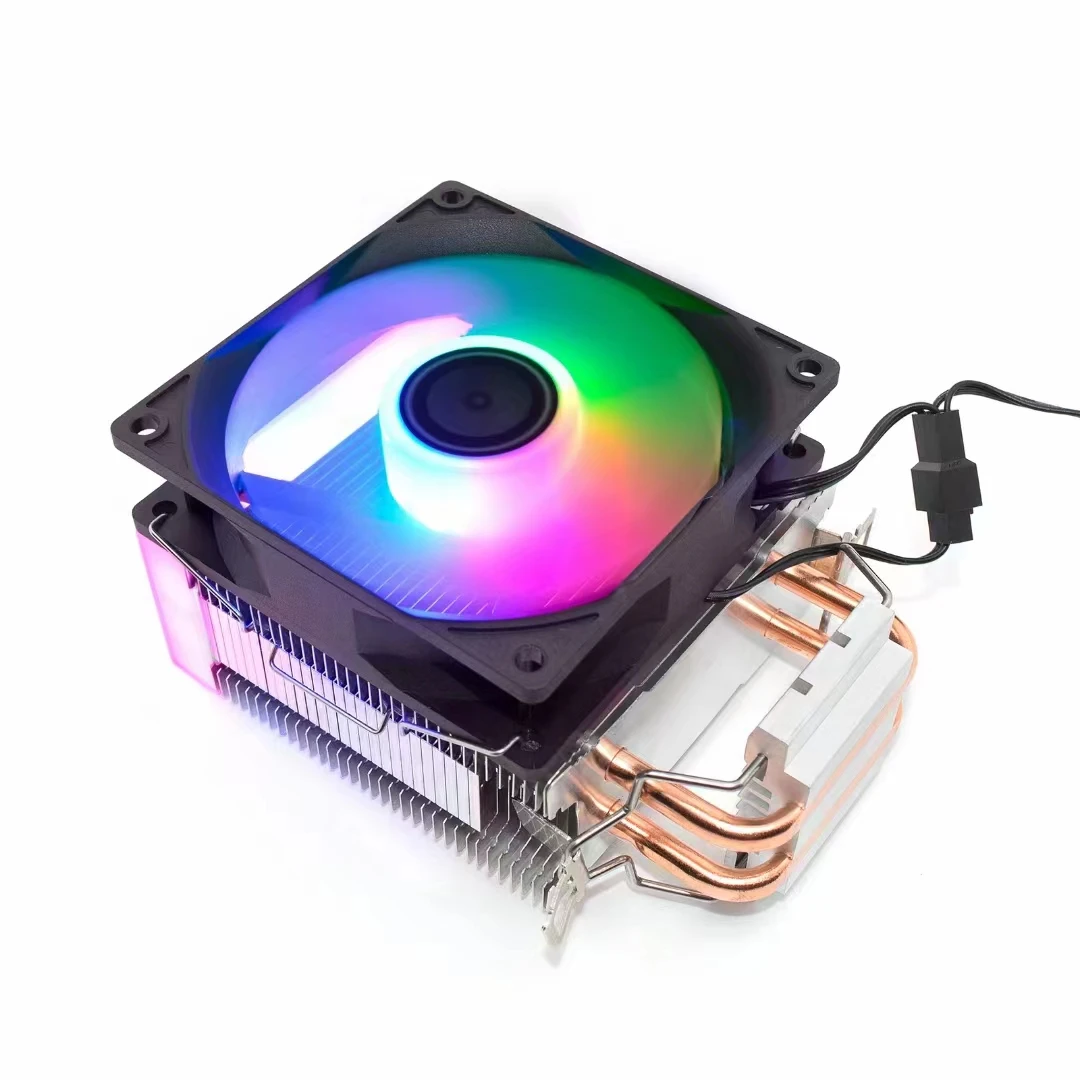

1. CPU fan quality is low
If you are a gamer, the CPU usage is high when you play games or run larger programs. If the speed of the hard disk is low and the memory is small, when processing a large amount of game data, the working pressure of the CPU will inevitably increase significantly. Therefore, the fans of various components will work harder. If the quality of the fans is slightly poor, there will be noise. This is why the CPU utilization rate will reach 100% when playing games or running larger programs. It is recommended to replace high-quality fans.
Reminder: many computer mainboards have intelligent temperature control turned on, and the high temperature fan will increase its speed when the CPU performs a lot of calculations. Therefore, the fan will make a loud noise when your CPU reaches 100.
2. CPU fan is not firmly fixed
Check whether the fan and CPU are fixed firmly (press the fan tightly to see if it is still so loud). If it is loose, it is generally because the spring does not have enough elasticity to cause resonance when the fan rotates. Just use tools to fix the fan and CPU.
3. The CPU fan is used for a long time
The fan of sliding bearing has been used for a long time, and the lubricating oil inside is dry. We can add some lubricating oil to the fan. First, remove the fan, remove the seal paper on the back. There is a small round plastic cover inside. Use sharp things to lift it away. Be careful not to break it, and then stick it back.
Remove the CPU fan. Turn it over
Then drop a few drops of lubricating oil (such as sewing oil) into it and cover it,
If it is a fan that has stopped running for a long time, it should be put for a period of time after the oil is added, and then it can be used again after the "moistening" is almost finished.
When installing the fan back into the heat sink, be sure to tighten the screws. Otherwise... vibration may occur
Wait until the glue is dry, put it on and try it. Is it quiet? necessary!
How to remove the CPU fan?
If you want to adjust the noise and clean the dust for the CPU fan, you should know how to remove the CPU fan from the computer.
There are generally two fixing methods for CPU fan, one is to fix it with screws and base plates. In this way, after the fan is removed, the base plates and screws are not aligned, which is a little difficult; The other one is directly fastened, just like the ordinary clothes with the brand off. This one is slightly easier to remove. Generally, it can be removed. First remove the screws on the motherboard, and then directly remove the CPU fan.
In general, to remove the computer cpu fan, first remove the fan and the base connecting the fan. The fan is connected to the base with screws, and the base is connected to the motherboard with clips; After the fan and base are removed, it is the CPU. There is a pressure bar beside it. Keep an eye on the direction. Lift the pressure bar and take out the CPU vertically. The entire CPU fan is removed. However, the whole process can only be done by friends who have a little more hands-on ability, otherwise it may not be restored.